Service
UI/UX & Product Design
Includes
Research, user flows, wireframes, UI, prototypes, design system
Timeline
Usually 3 to 5 weeks
Best for
Apps, SaaS products, dashboards and complex websites
Interfaces anduser flows thatfeel obvious.
We design clear interfaces and user flows for websites, apps and dashboards, so people find what they need, finish what they started and come back.
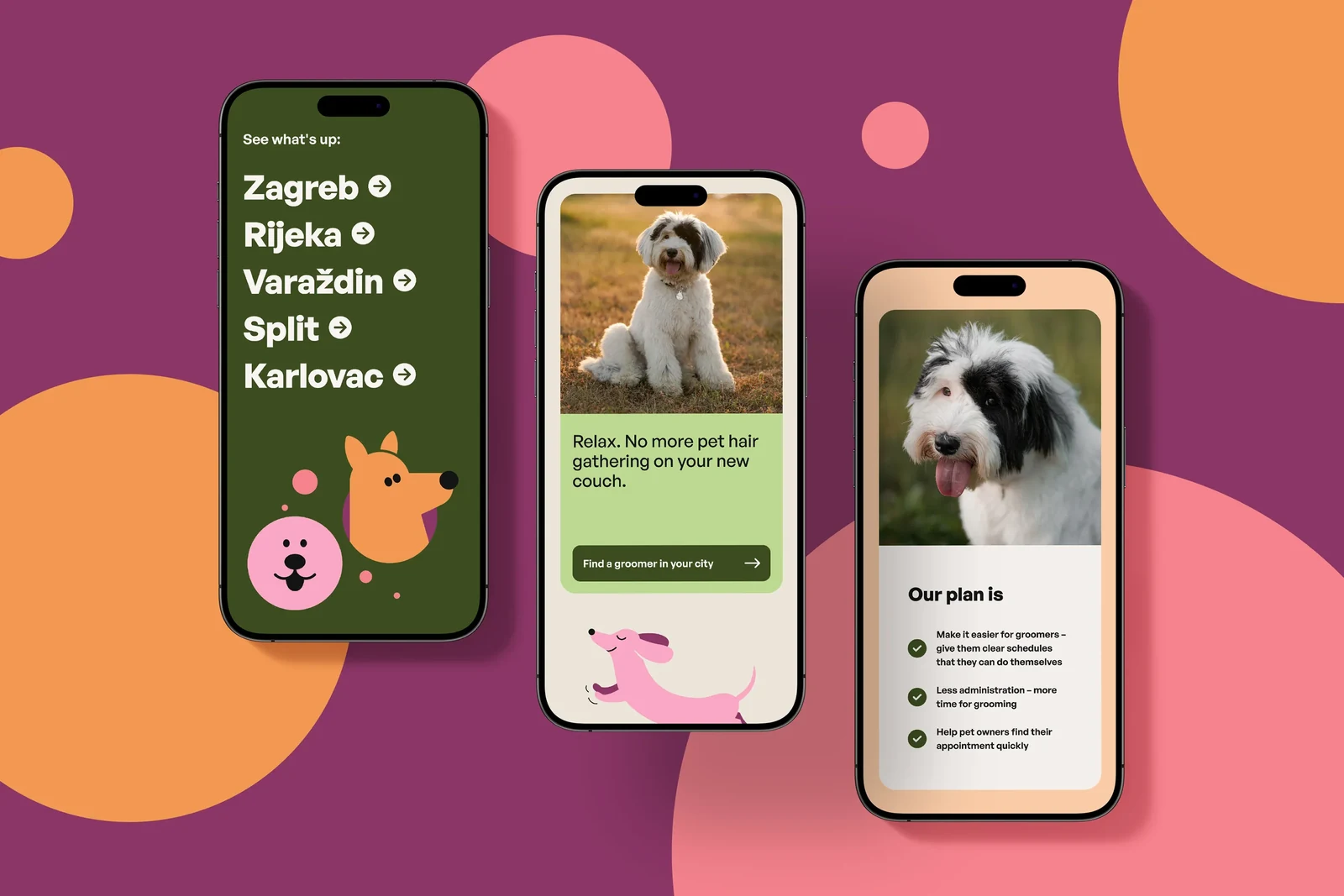
Products grow one feature at a time. Over the years screens get crowded, flows get longer and people stop finding the things they came for.
Every unclear label and extra step costs sign-ups, sales or support time, and from the inside it is hard to see where people get stuck.
We start with the people using the product: what they are trying to do and where they hesitate. Simple research and flow maps make the problems visible.
Then we design the screens, test them as clickable prototypes and hand over a tidy design system, so developers can build exactly what was designed.
What you get
Everything your product needs to feel simple.
- 01
Research & audit
Interviews, analytics and a review of your current product to find where people hesitate, drop off or ask for help.
- 02
User flows
Clear maps of the key journeys, such as sign-up, booking or checkout, with every step reduced to what is really needed.
- 03
Wireframes
Low-detail layouts for every key screen, used to agree structure and content quickly before visual design.
- 04
UI design
Polished interfaces for desktop and mobile in your brand, with every state covered: empty, loading, error and success.
- 05
Clickable prototypes
Realistic prototypes you can test with users and share with your team or investors before anything is built.
- 06
Design system & handoff
Reusable components, styles and documentation in Figma, ready for developers, so the product stays consistent as it grows.
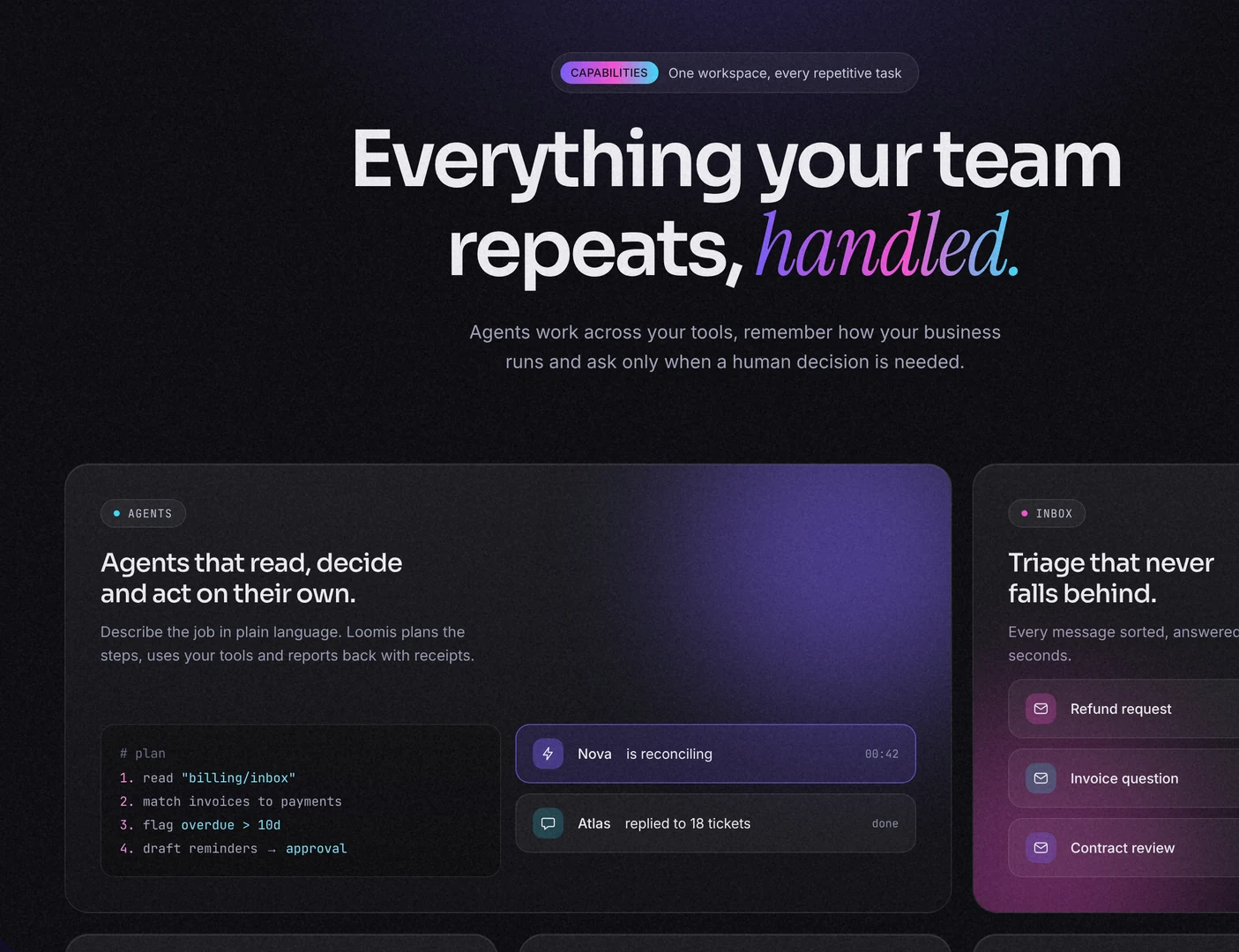
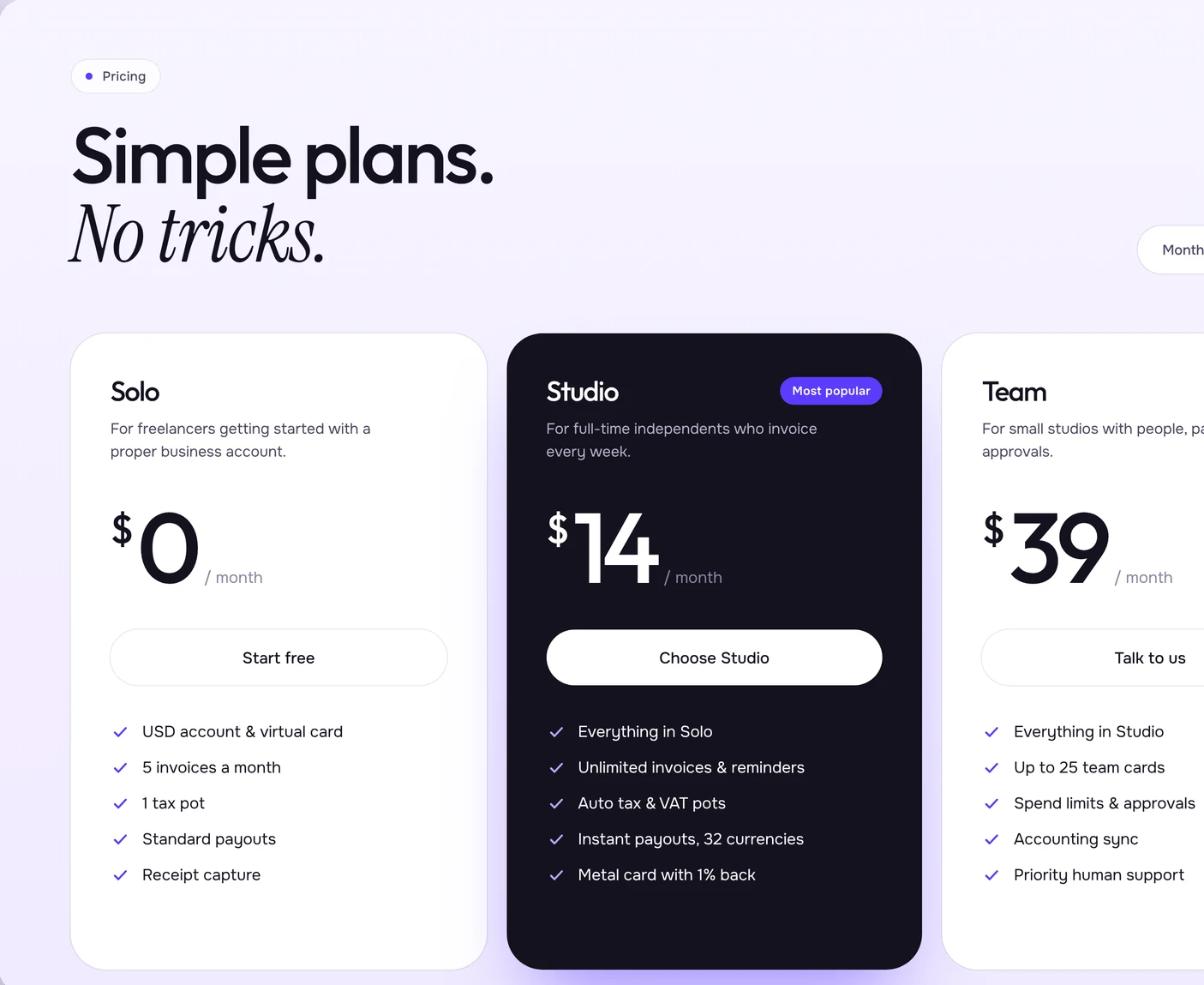
What good UX covers
What we design into every product.
Good product design is mostly invisible: people find what they need and finish what they started. These are the parts that make that happen.
Research & structure
- User interviews and analytics review
- Journey and user flow maps
- Information architecture and navigation
- Wireframes for the key screens
- Usability tests with prototypes
- Accessibility checks
Interface & system
- Desktop, tablet and mobile UI
- Every state: empty, loading, error, success
- Clickable prototypes in Figma
- Components, styles and tokens
- Interaction and motion notes
- Developer handoff and design QA
Groomio: web app and interface design
Move a little, every day.
Short sessions that fit around your day.
Get startedI have an accountGood morning, Ava
Move a little, every day.
Short sessions that fit around your day.
Get startedI have an accountGood morning, Ava
Interface design, from flow to finished screen
How it works
From first insight to developer handoff, in four clear steps.
- 01
Understand
Interviews, analytics and a product review to see how people really use it.
You getA short report on where people get stuck
- 02
Map
User flows and wireframes for the key journeys, agreed with your team.
You getUser flows and wireframes
- 03
Design & prototype
Interfaces and clickable prototypes, tested with real users and refined.
You getTested screens and a clickable prototype
- 04
Hand over
A documented design system and support while your developers build it.
You getA documented design system in Figma
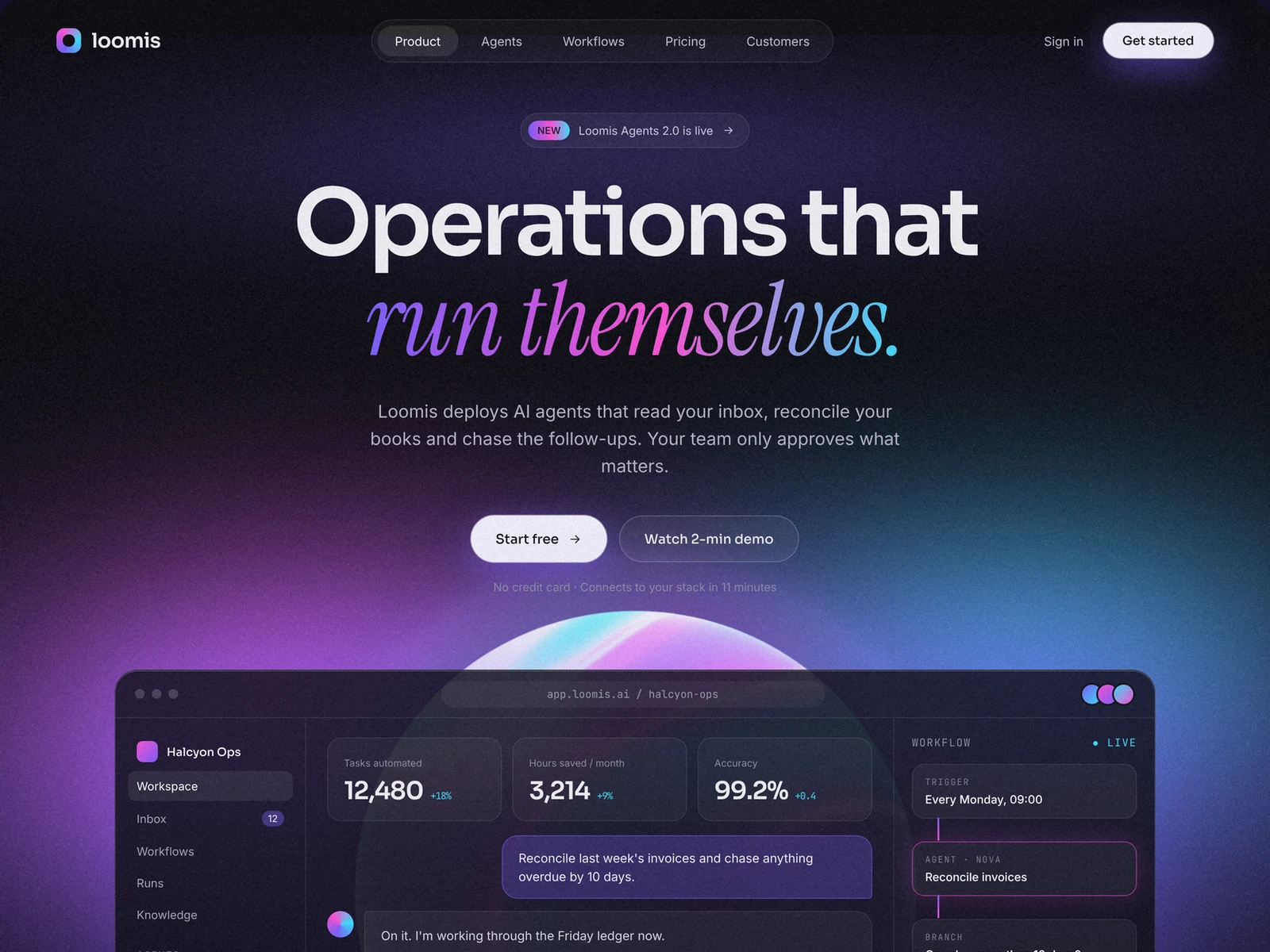
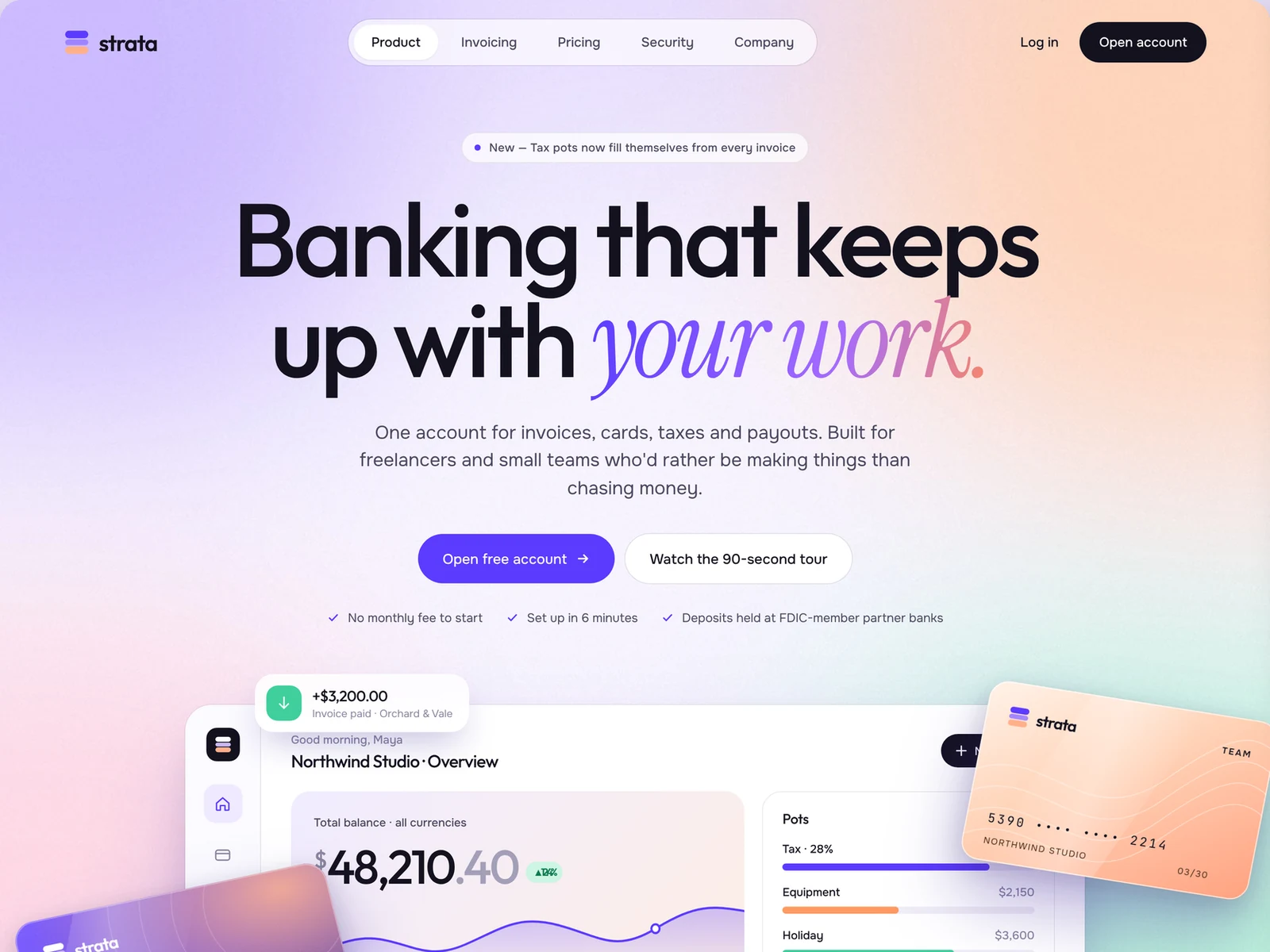
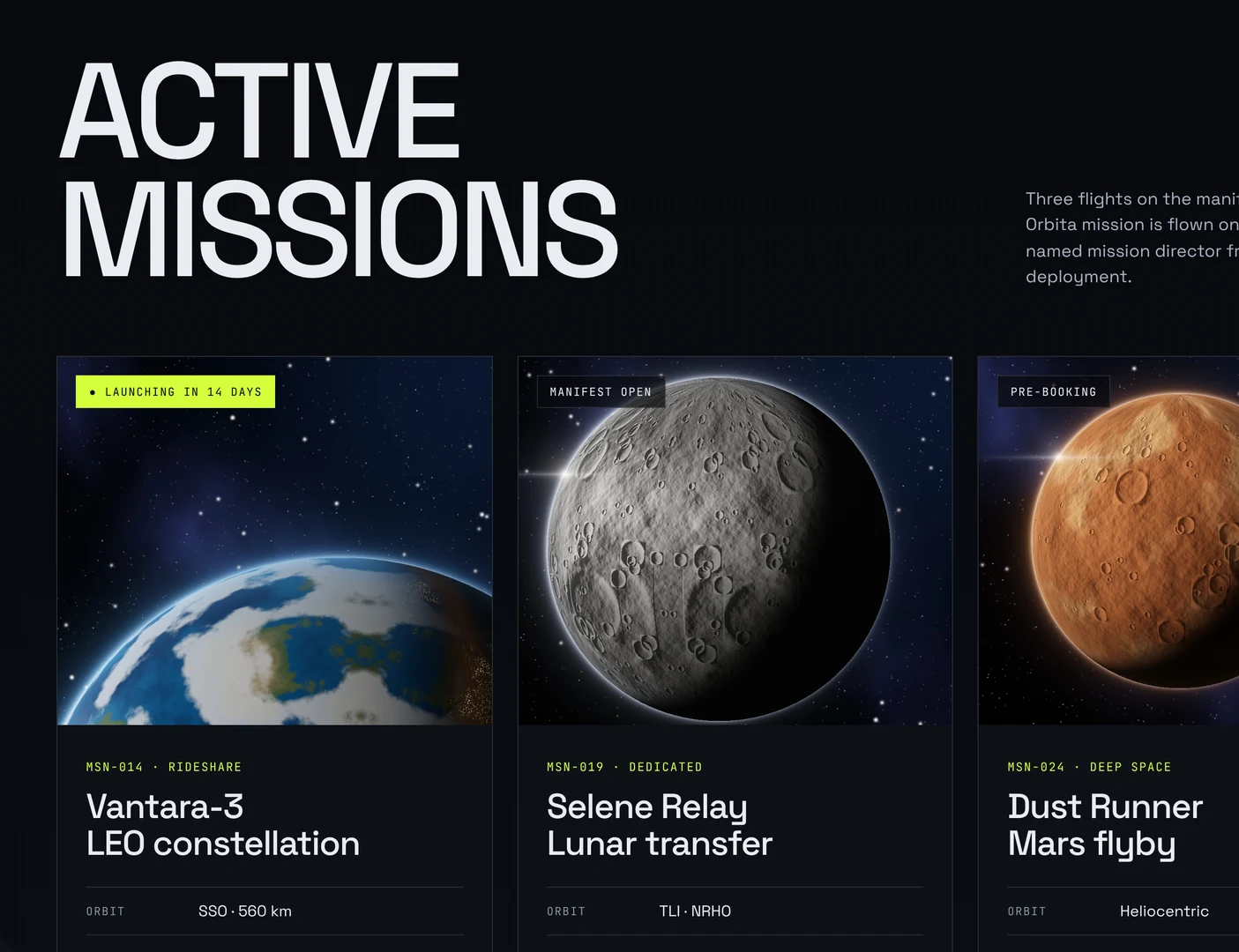
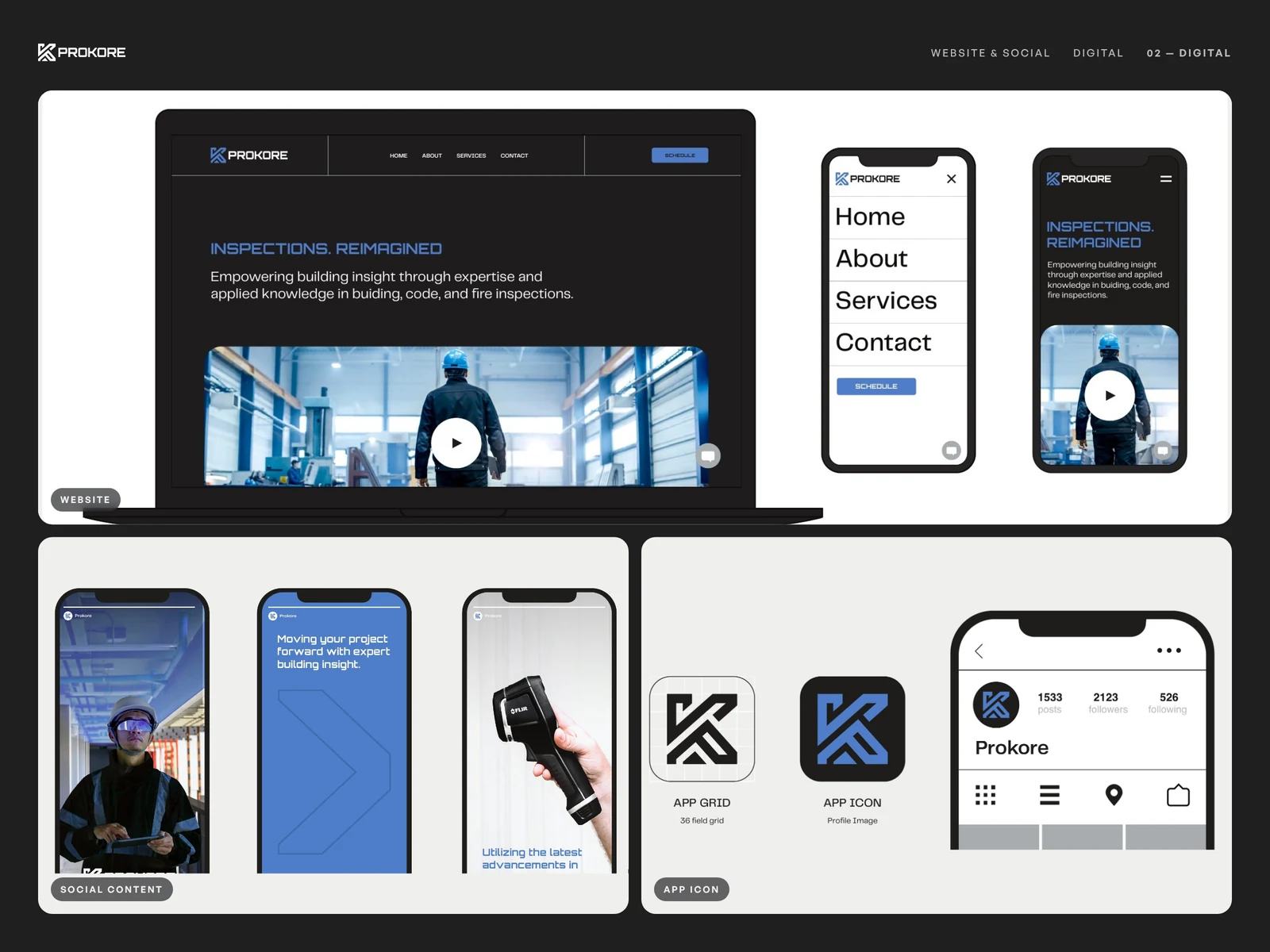
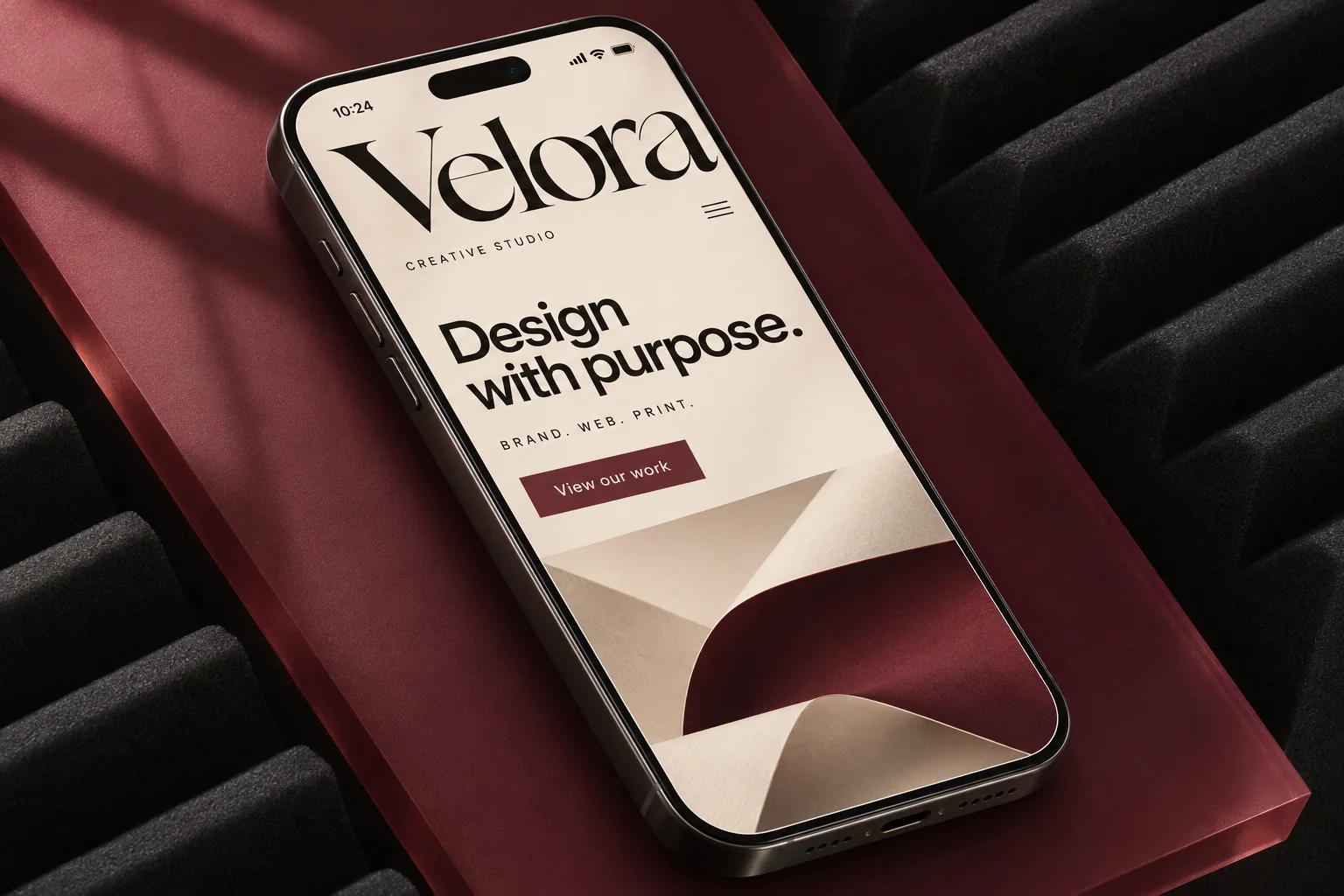
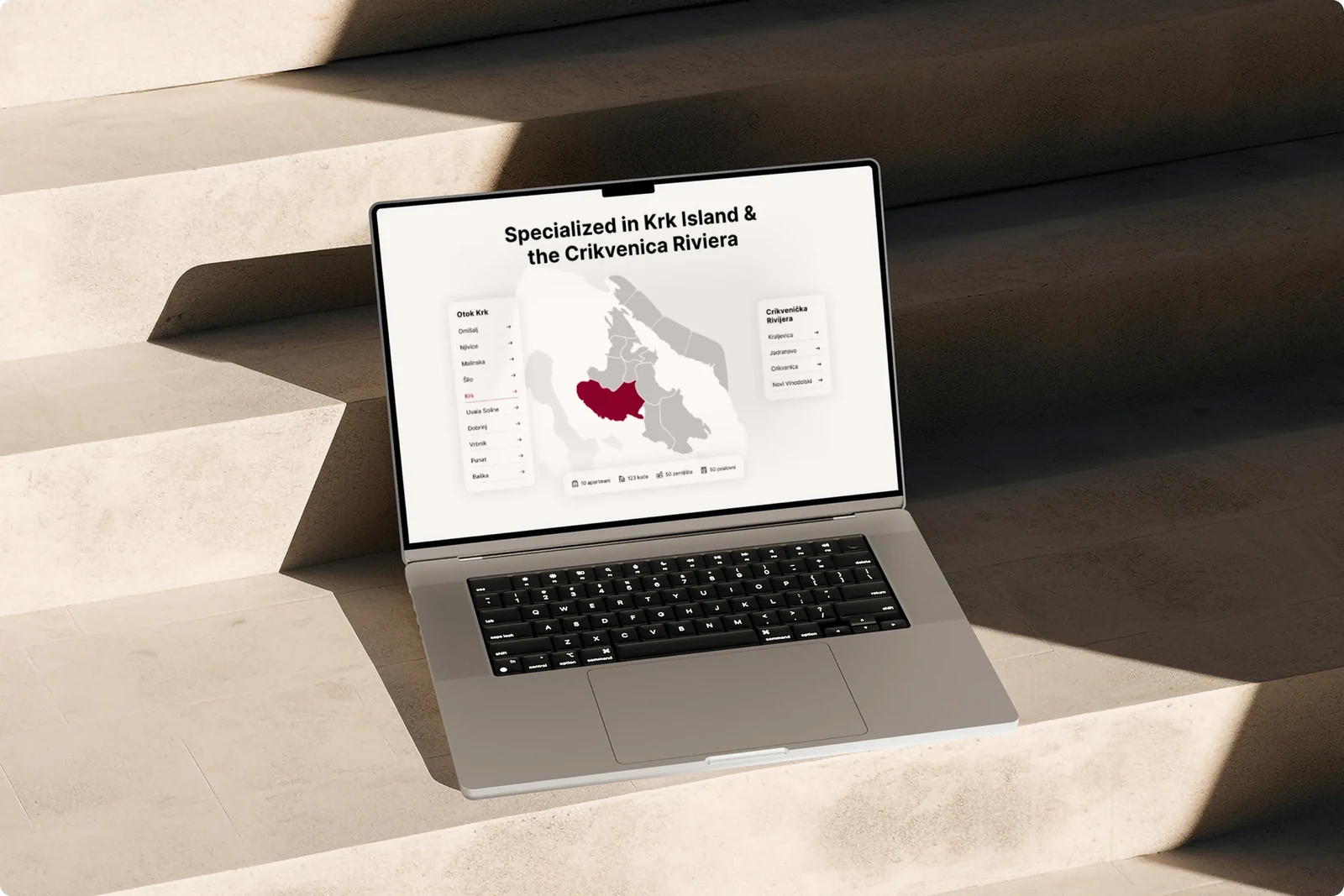
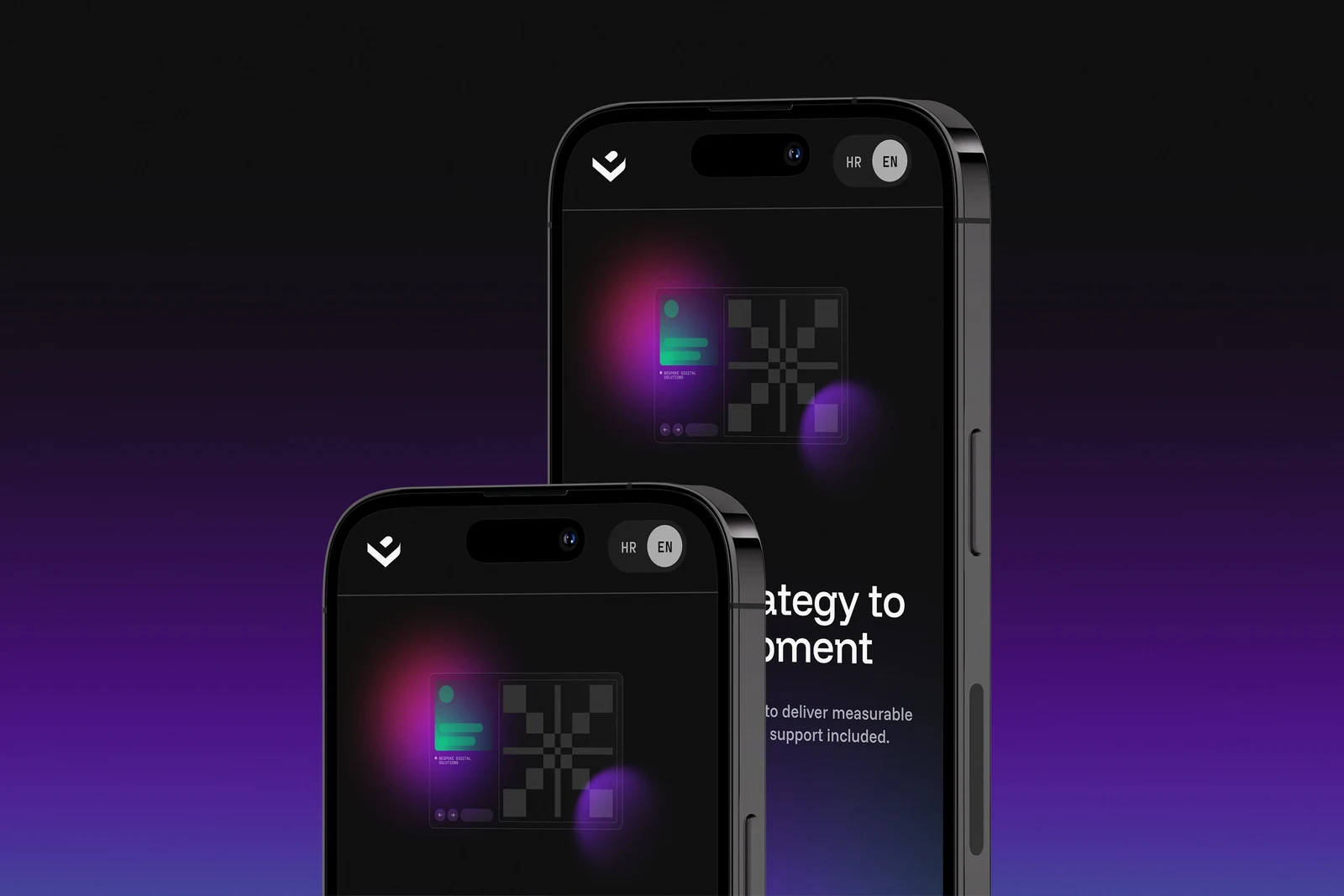
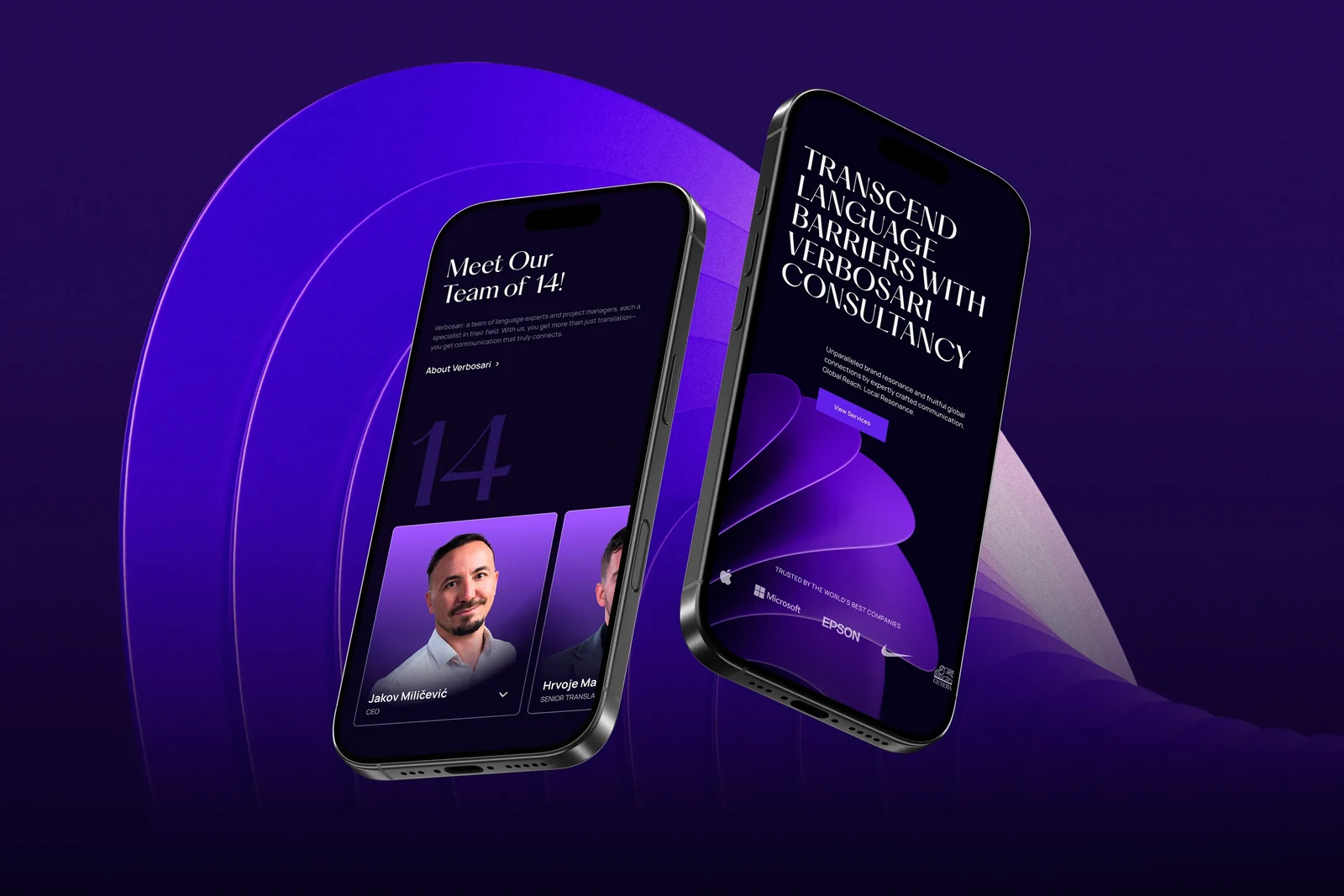
Interfaces from the studio
Product, dashboard and app screens we have designed for AI, finance, space, retail and inspection brands.


At hand-over
Everything your developers need to build it.
- Organised Figma files with every screen and state
- A component library with variants
- Colour, type and spacing styles as tokens
- Clickable prototypes of the key journeys
- User flow maps and notes on behaviour
- Accessibility notes for colour, focus and labels
- A walkthrough call with your developers
- Support while the product is built
Selected product and web work
Interfaces we have designed.
All case studies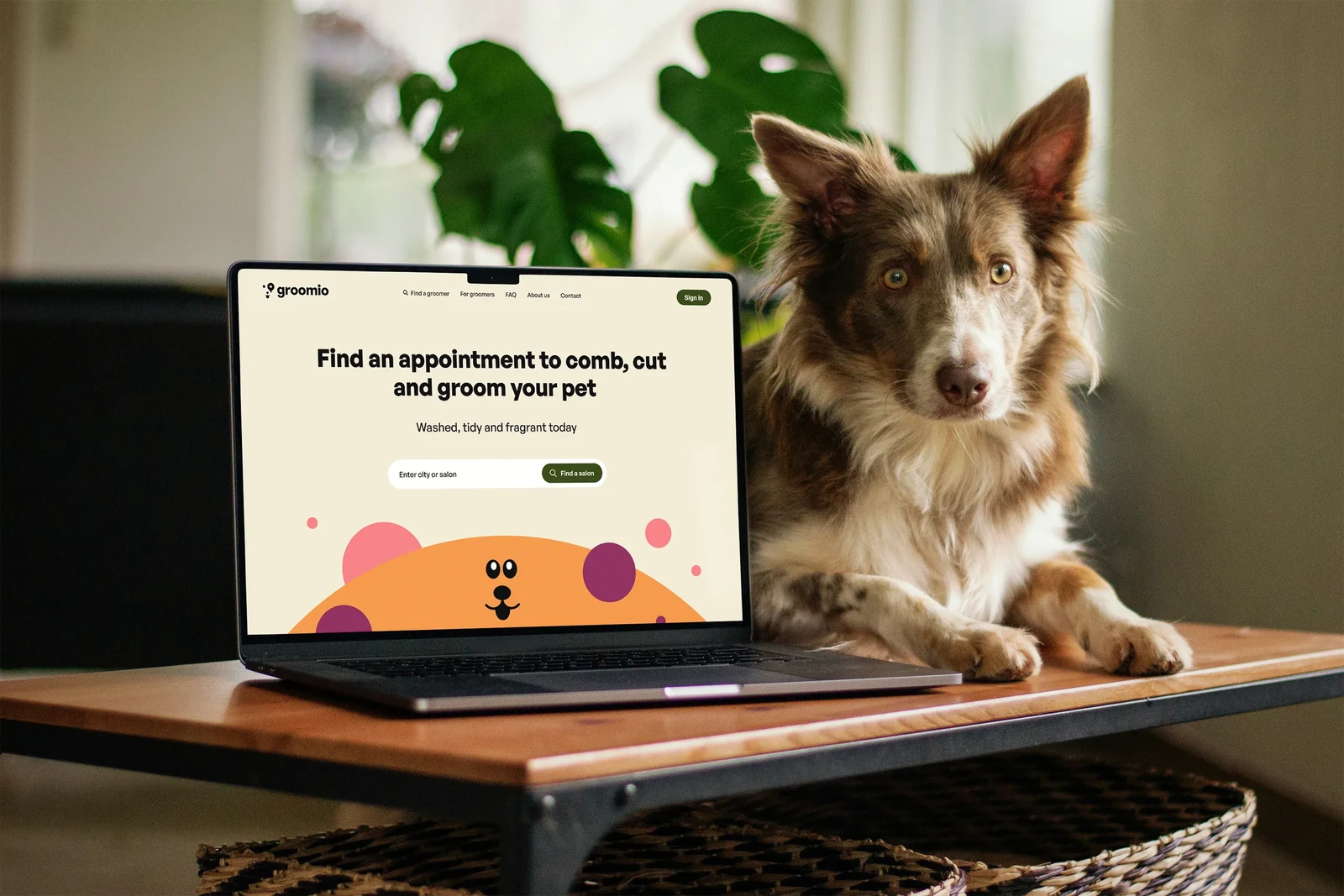
UX is how the product works: the structure, the flows and how easy it is to get things done. UI is how it looks and feels: layout, type, colour and every interactive detail. We design both together.
Yes. We hand over organised Figma files, a design system and notes on behaviour and states, and stay available while your team builds, so nothing gets lost between design and code.
Often that is the best route. We review what you have, fix the journeys that matter most first and bring the rest into a consistent system step by step.
We test the key flows with clickable prototypes, with your customers where possible, and adjust the design before development, when changes are quick and cheap to make.
We design and prototype in Figma and can work inside your team's existing files and libraries. You get full access to everything we create.
Most projects take three to five weeks for the core journeys and screens. Larger products are planned in phases, each with a clear timeline in your quote.
Ready to make your product easier to use?
Tell us what you are building and where people get stuck. We will reply with a tailored quote and a clear plan.